


How to forward messages to HTTP endpoints with LavinMQ webhooks
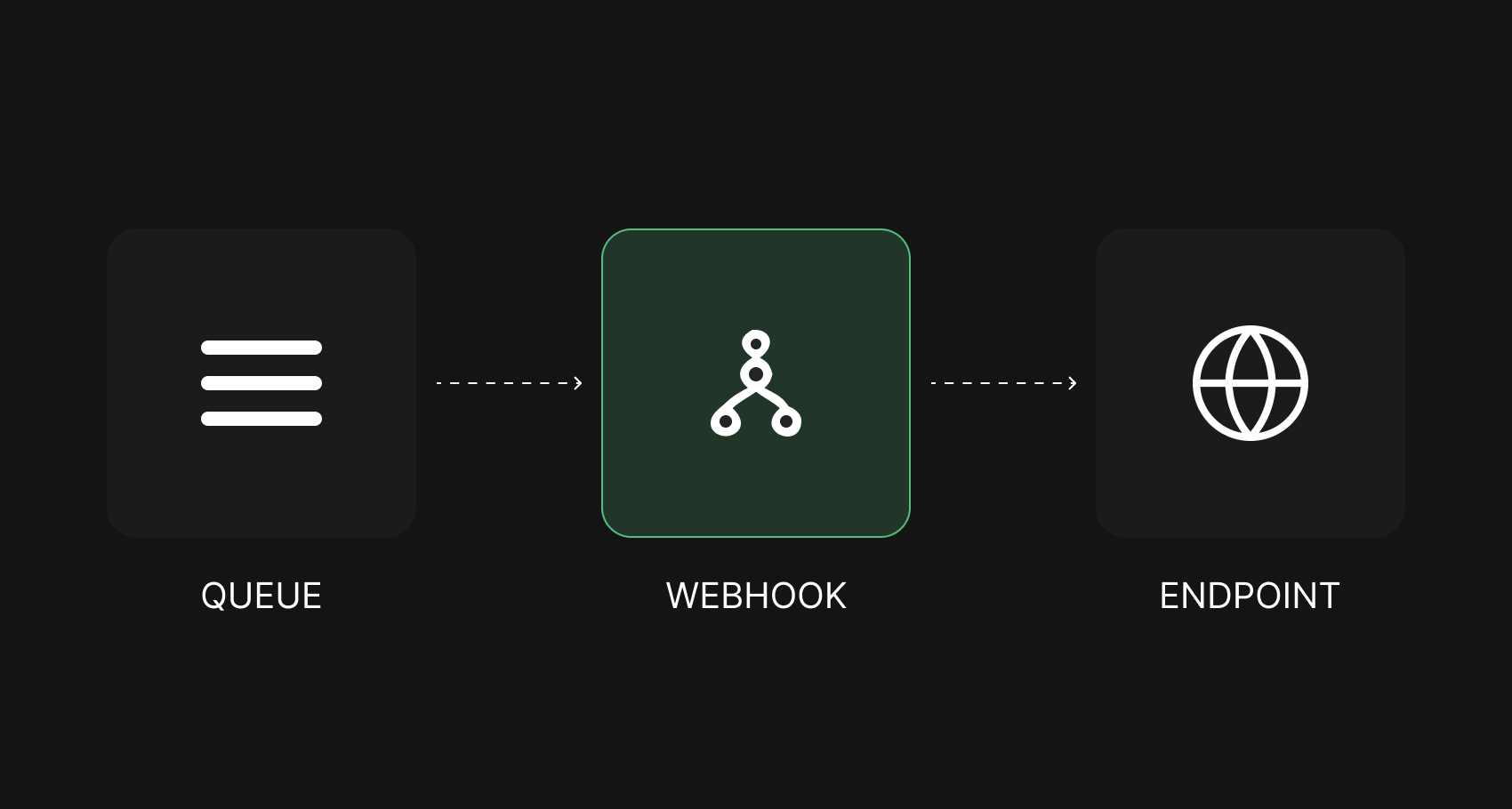
LavinMQ can forward every message from a queue or exchange straight to an HTTP endpoint, no AMQP client required.
LavinMQ extends the standard shovel with webhook support, letting the broker forward messages directly to any HTTP endpoint without a dedicated consumer on the receiving end.
Webhooks in LavinMQ are built on top of shovels. If shovels are new to you, start with the shovel guide first. The concepts build on each other.
What is a webhook?
Generally speaking, a webhook allows different software services to instantly communicate and share data with each other. One application sends data in real-time to another whenever something happens.
In LavinMQ, that means the broker itself makes a POST request to a designated HTTP endpoint for every message it receives, no consumer code required.
How does a webhook work in LavinMQ?
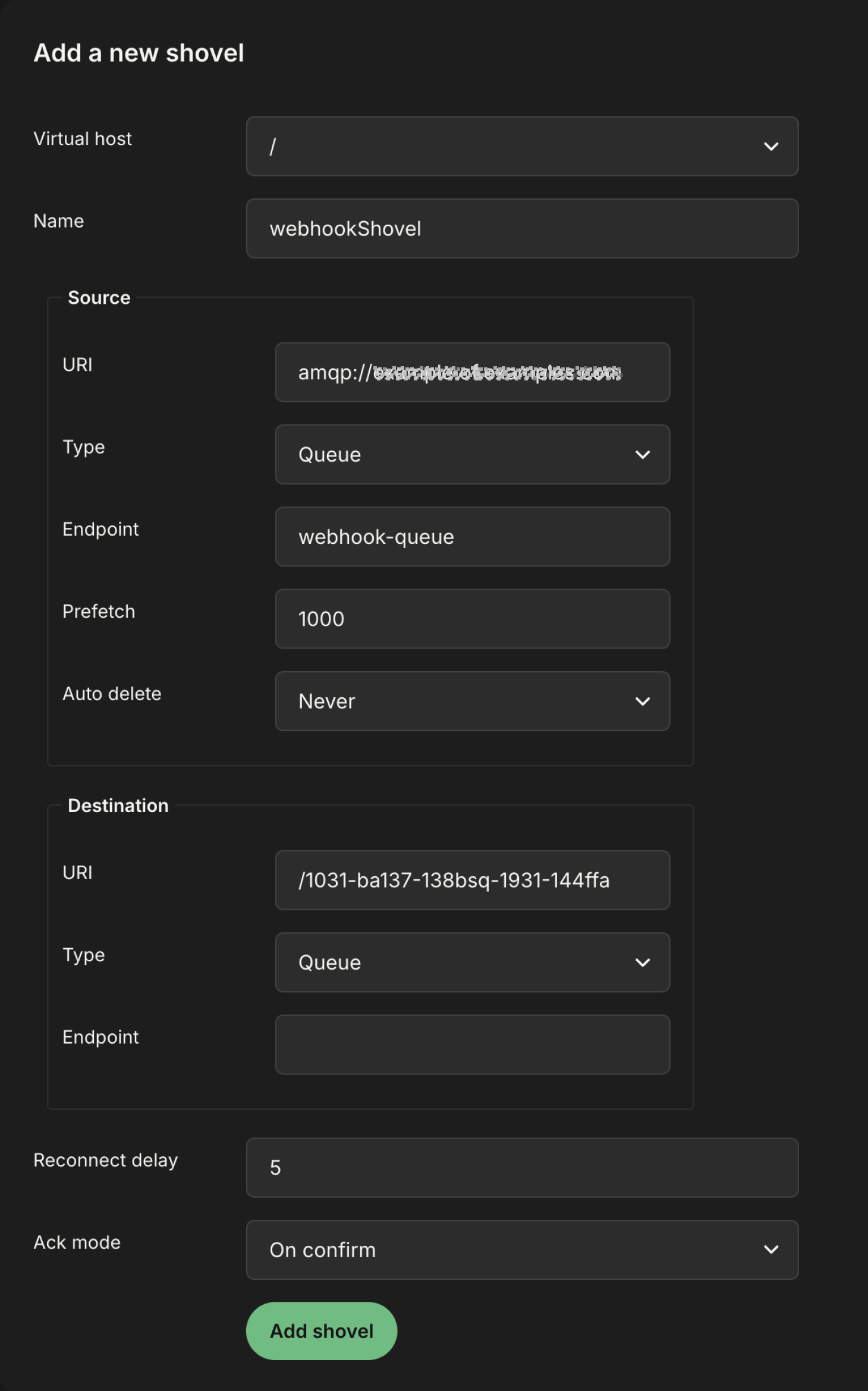
To configure a webhook in LavinMQ, create a shovel and specify the source exchange or queue, and the destination as the HTTP endpoint to receive POST requests.
In summary, we are trying to create a shovel named
webhookShovel. The source section is where we specify the LavinMQ server
and the specific queue or exchange where we want our shovel to grab messages from.
In this example, the shovel picks up messages from webhook-queue on the LavinMQ server configured in the URI field.
Similarly, the destination section is where we specify the HTTP endpoint
where we want messages forwarded to. The
Type and Endpoint fields are automatically disabled once LavinMQ detects a valid
HTTP URL.
For your HTTP endpoint, you can grab a URL from webhook.site and use it to test things out.
Wrap up
Webhooks turn LavinMQ into a bridge between message-driven systems and any HTTP service, without extra consumer code.
Lovisa Johansson